Everything you need to find your way around Dwell — from signing in to running work orders, levies, polls and messaging for your building.
Private preview edition · Updated 15 September 2026
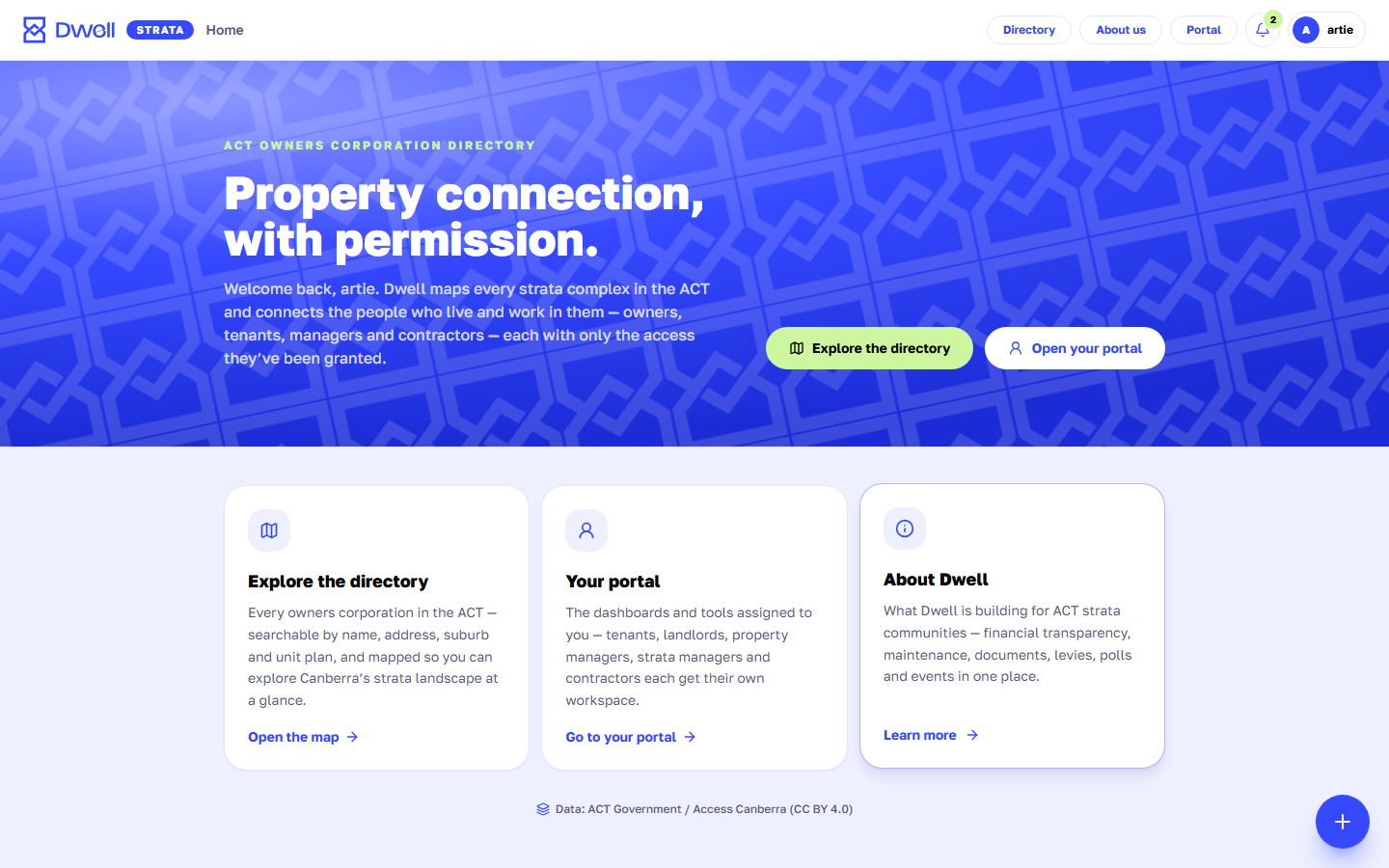
The Dwell home page. Use the entry cards to jump to the directory, your dashboard or site activity.
What is Dwell?
Dwell is a property-management workspace for the ACT. It combines a public directory of every unit plan (strata complex) in Canberra with a private, invite-only workspace where the people connected to a building — tenants, landlords, property managers, strata managers, executive-committee members and trade contractors — can communicate, track maintenance, share documents, run polls and manage levies.
Whether you live in a unit, own one, manage several, or look after a whole complex, this guide walks you through the parts of Dwell that matter to you.
Dwell is in private preview
Access is invite-only while the platform is being built. The administrator creates accounts and assigns roles — see Signing in & access.